
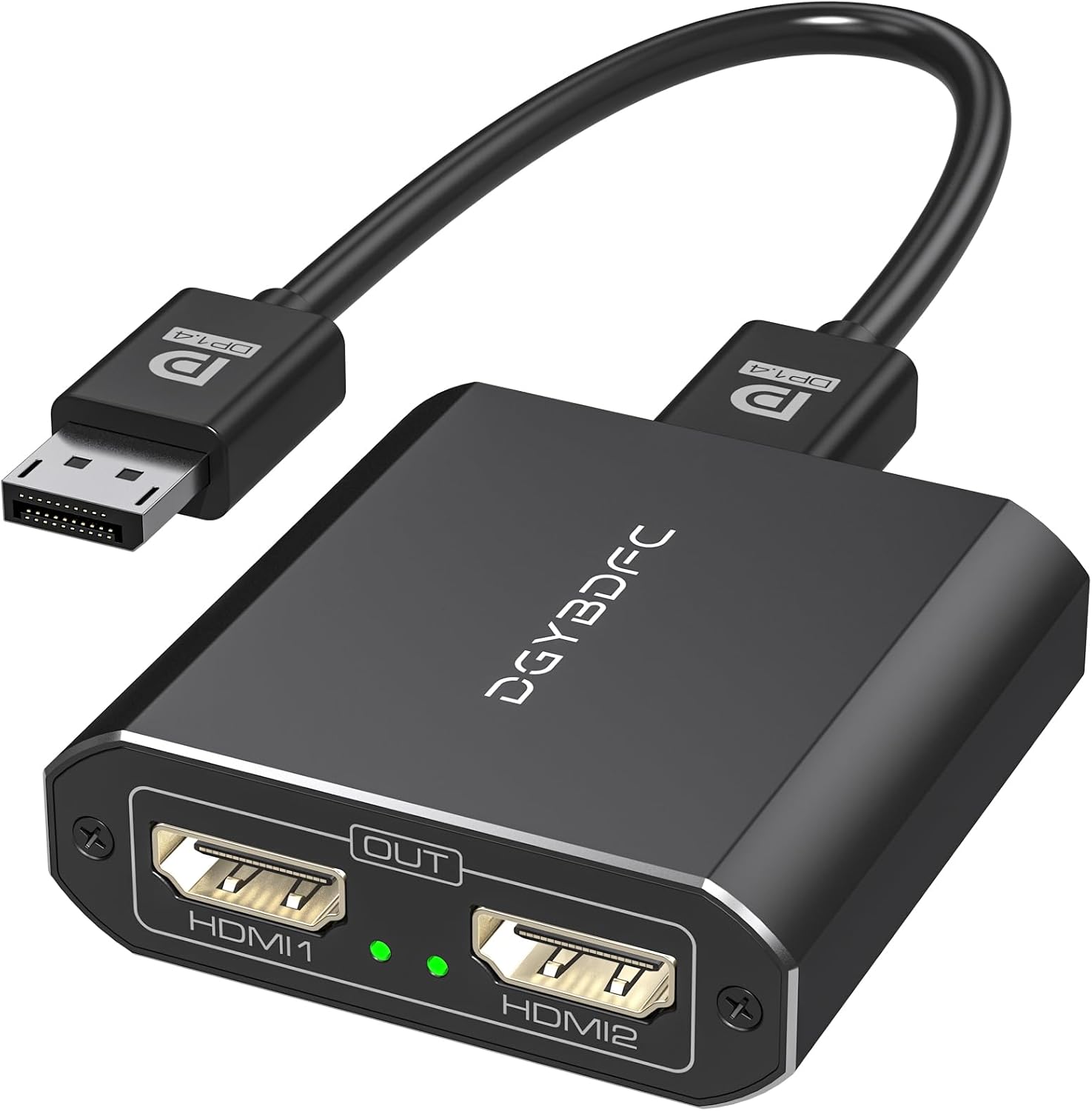
Description
Product Details
| Brand | DGYBDFC |
| Color | Black |
| Hardware Interface | HDMI |
| Special Feature | Plug and Play |
| Compatible Devices | Laptops, PC |

!!! Important Note !!!
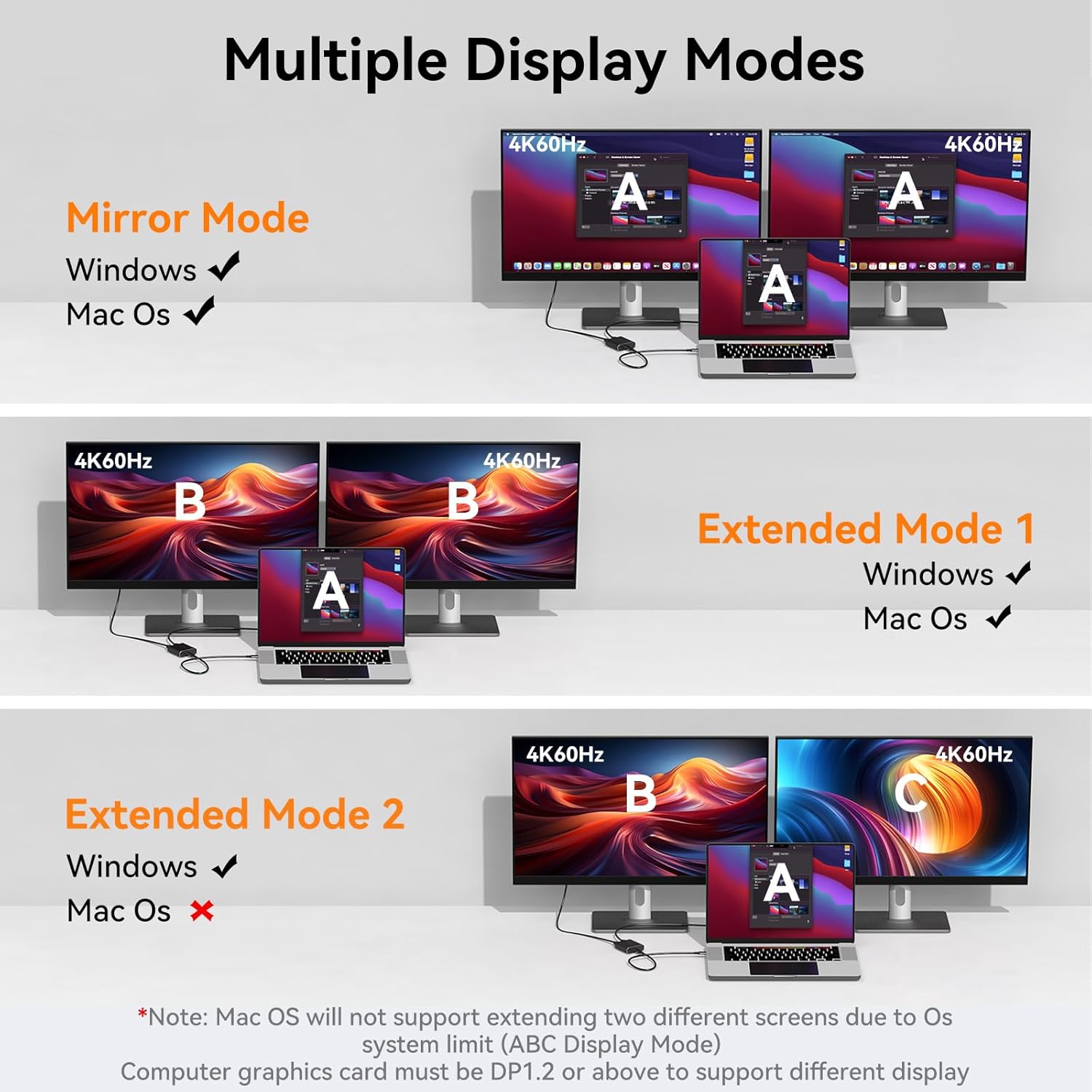
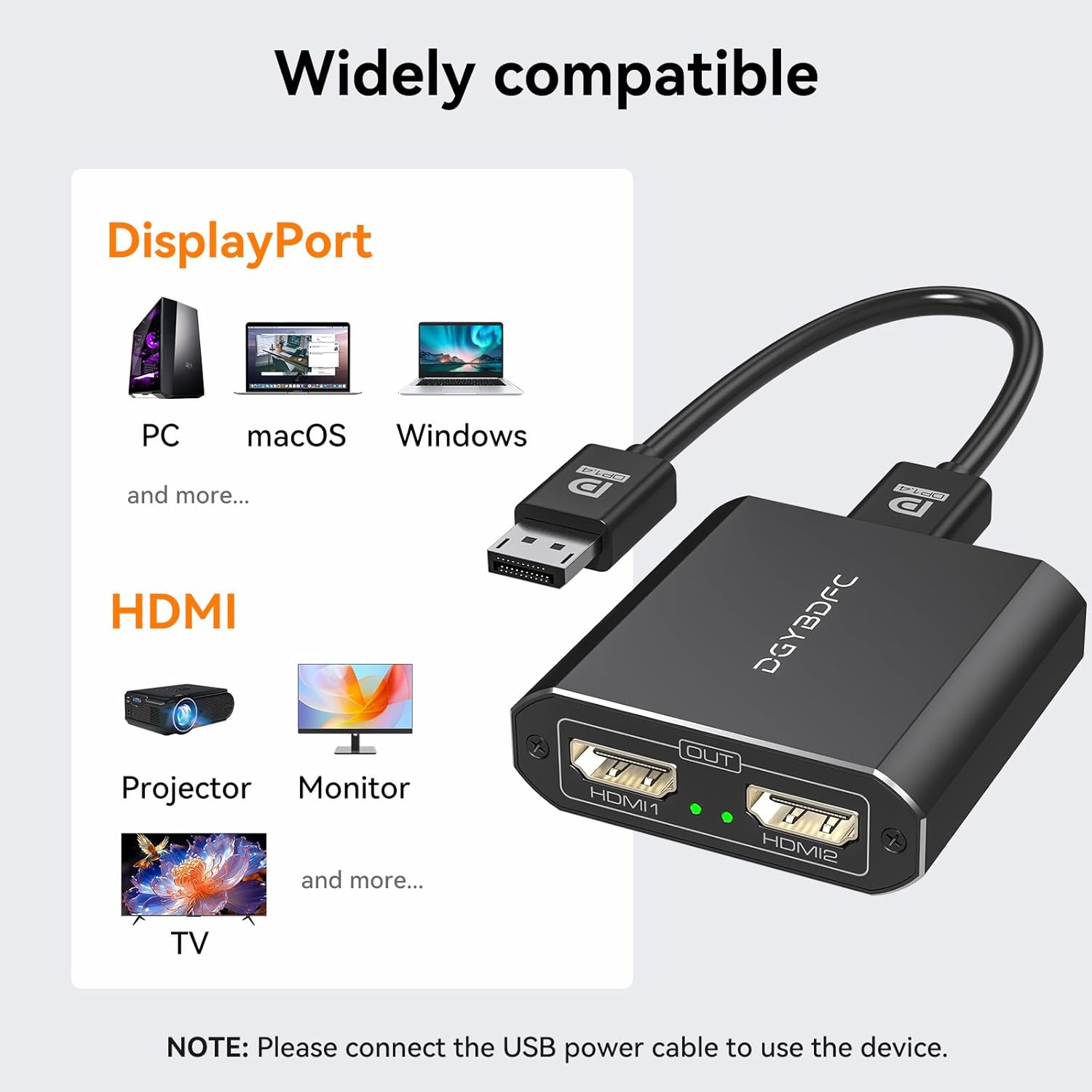
- Please confirm the DP version of the computer graphics card. Only DP1.2 and above versions support extended screen (MST), otherwise the device can only be used as a distributor and cannot extend two different screens on two displays.
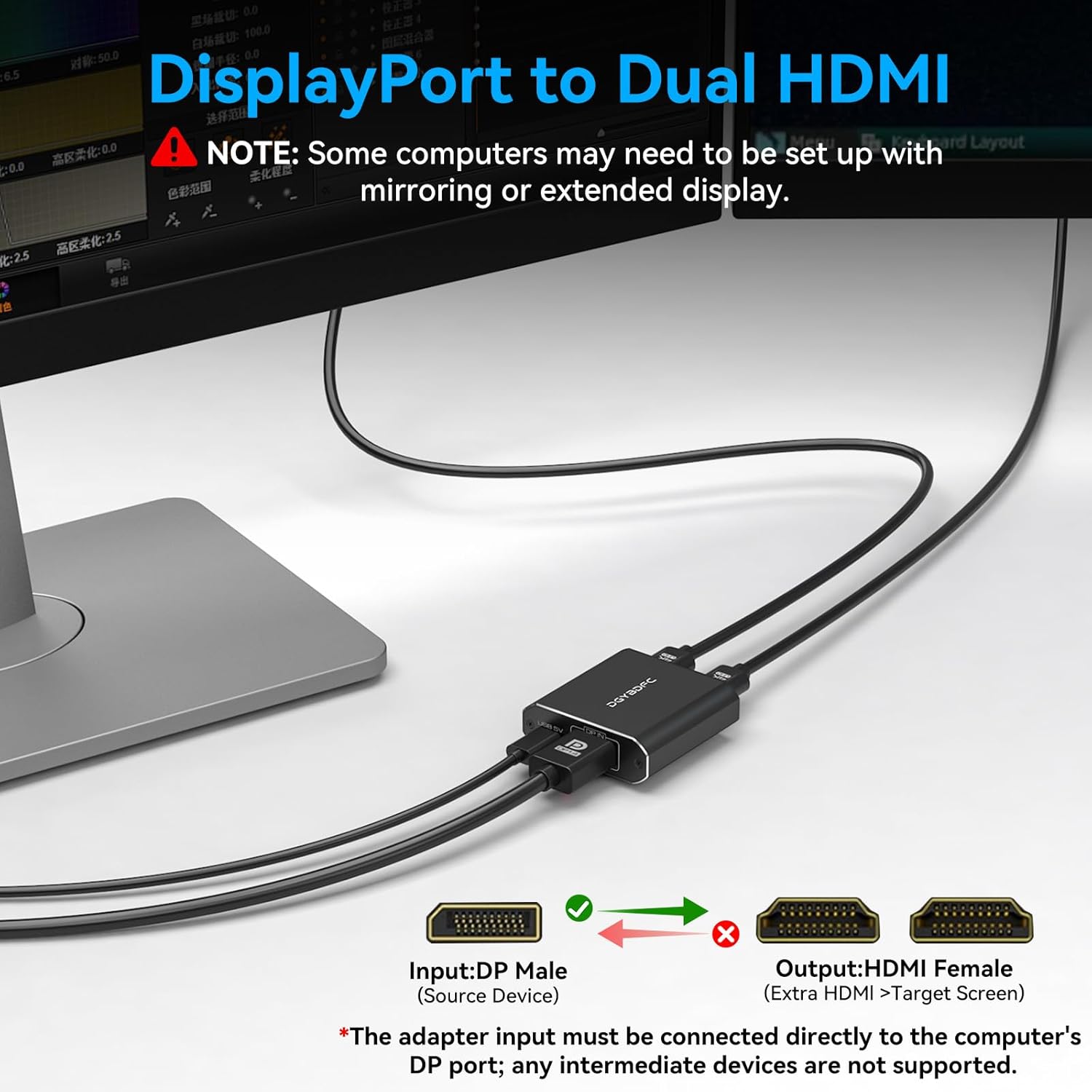
- Please make sure that the computer has a DP output port. The connection must be directly from the computer to the adapter. Connecting a docking station or any intermediate device between the computer and the adapter is not supported.
- MacOS system does not support MST, that is, it does not support the expansion of two different displays.
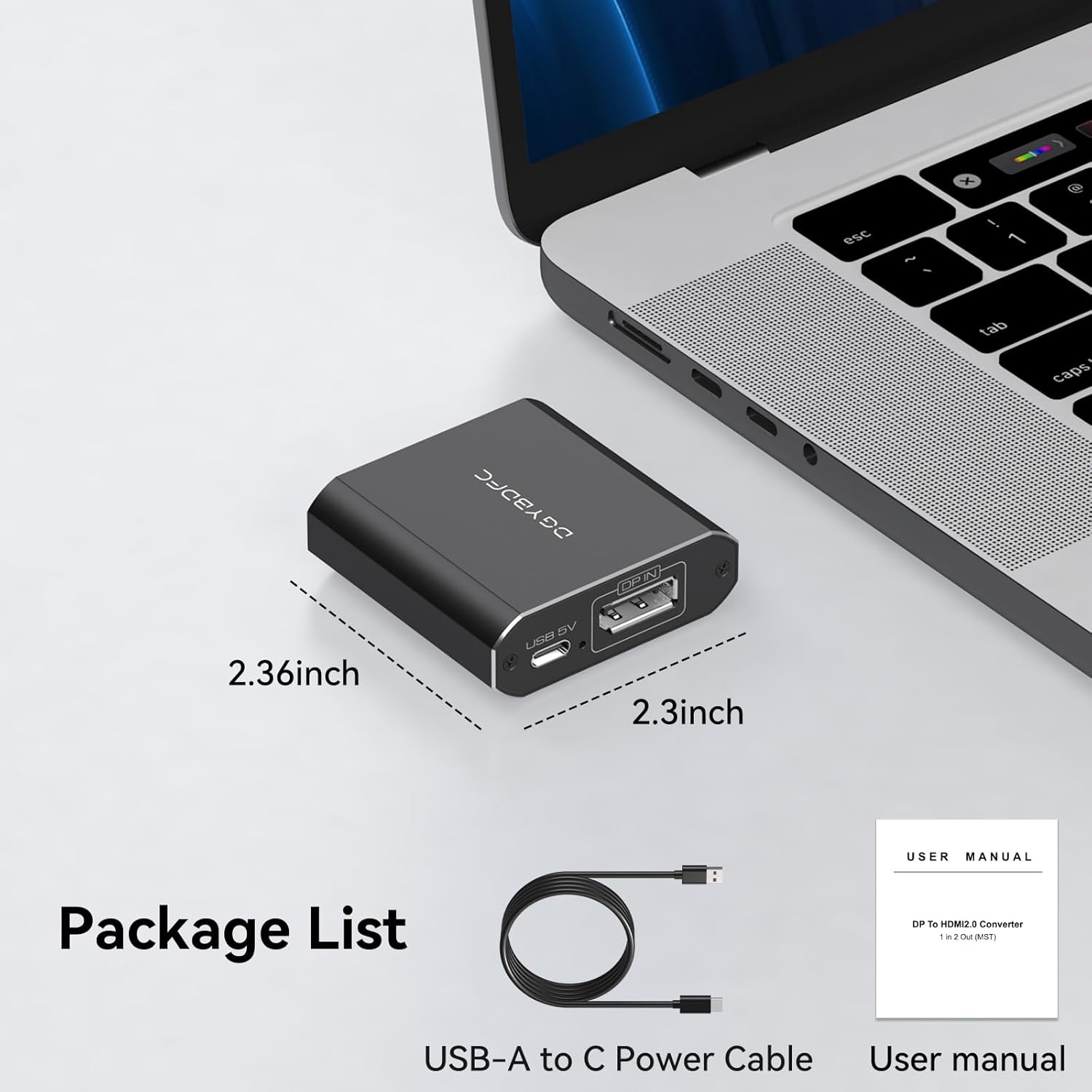
- DP cables are not included in the package. Please prepare your own DP and HDMI video cables.
- The adapter can only use DP as input and HDMI as output, and does not support bidirectional transmission.

Support Mirroring Display and Extended Display
- Mac OS: Only supports mirror mode, i.e. AAA and ABB display modes, and the two monitors display the same picture.
- Windows operating system: Supports mirror mode and extended mode, i.e. AAA, ABB and ABC display modes, and the two monitors can display the same picture or different pictures.

Includes USB-A to C power cable
During the use of the product, the product needs to be powered for the device to work properly. A USB-A to C power cable is included in the package, which can be connected to the USB port of the computer or connected to the adapter for power supply.

Connect input cables of different lengths as desired
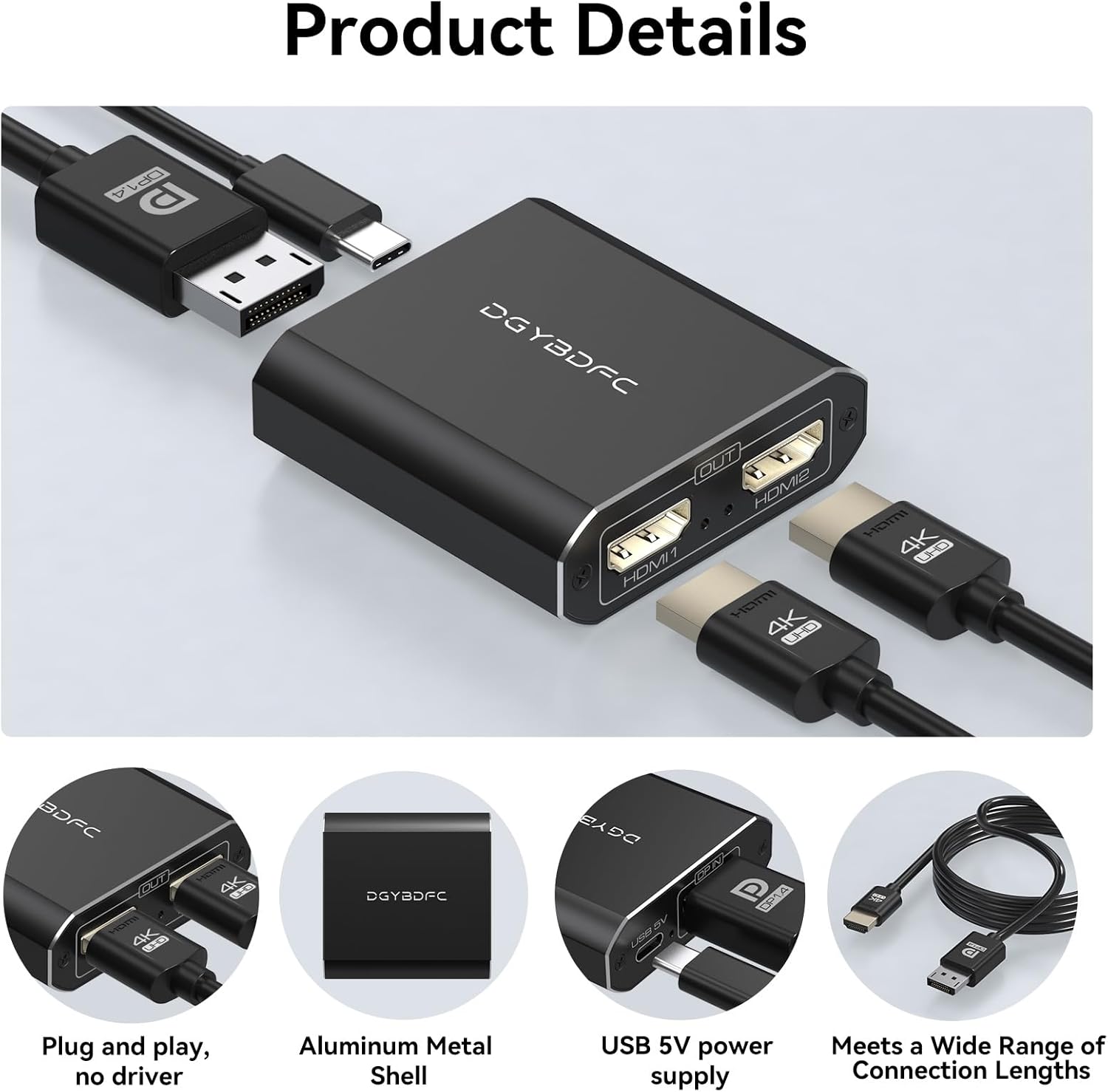
Compared to other adapters, our adapter does not have a fixed cable connected at the input end, you can connect DP cables of different lengths at the input end as needed. It is recommended that the input end cable length does not exceed 6 feet/1.8 meters.
(No video cables are included in the package, please prepare the DP cable and HDMI cable of the adapter by yourself)

Sturdy Aluminum Housing, Compact and Lightweight
The dual HDMI adapter is small and can be easily carried. The aluminum shell ensures good heat dissipation and durability, allowing the adapter to maintain a stable working condition even in long-term operation.

Plug and Play, Easy to Use
This adapter is plug and play, no driver installation is required. Just connect the computer to the adapter input, connect the monitor to the adapter output, and power the adapter through the power cable, and it is ready to use.

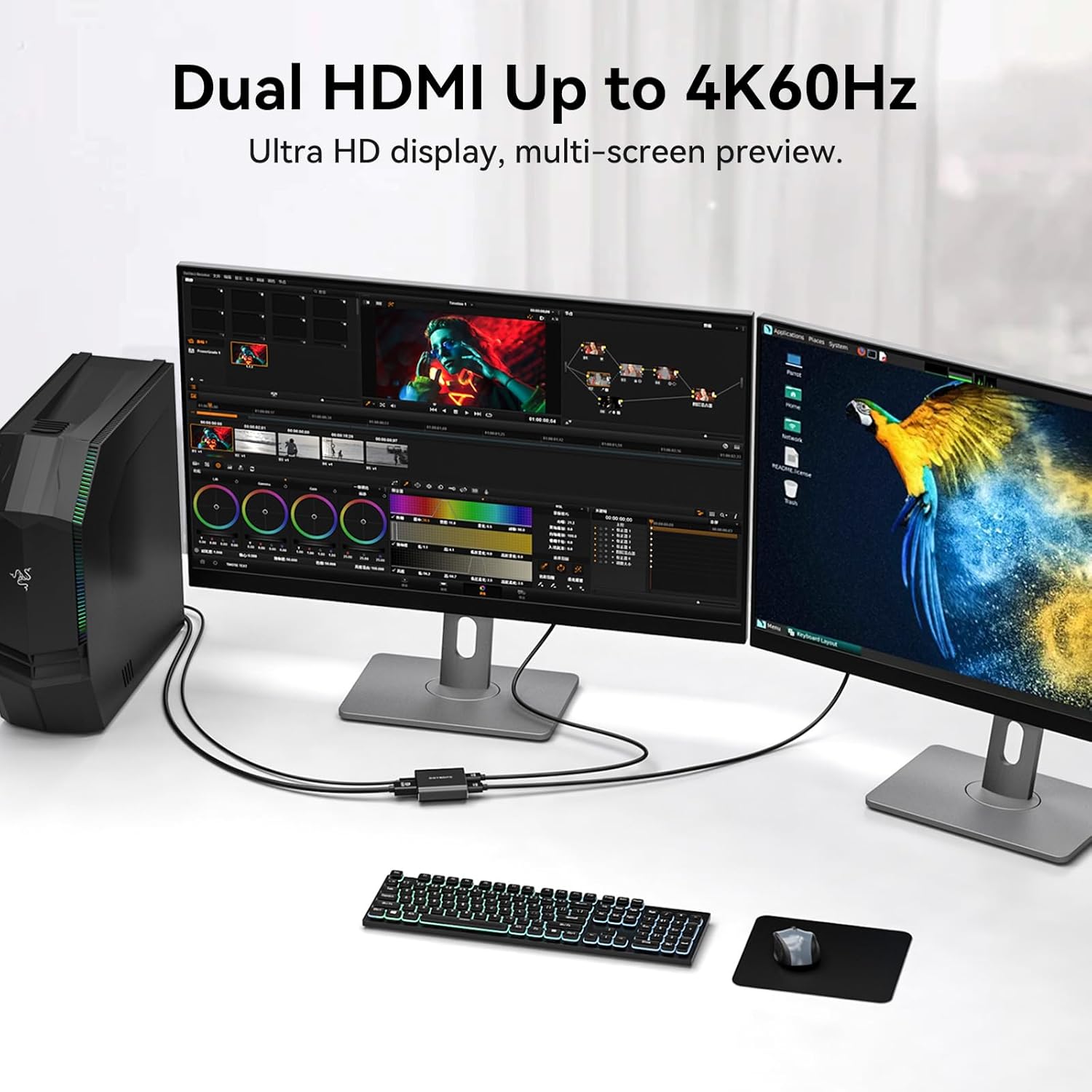
4K60Hz Ultra HD Visual Feast
The DisplayPort to HDMI Splitter complies with the HDMI 2.0 standard and can deliver up to 4K@60Hz resolution for two HDMI displays, delivering vivid images with more amazing color and contrast. To transmit 4K60Hz video signals, please make sure all your devices and cables support 4K60Hz.
Note: Some computers require you to manually set the display settings interface to 4K60Hz resolution and set it to extended or mirrored mode.

Reviews
There are no reviews yet.