




Description
Feel it. Barely hear it.
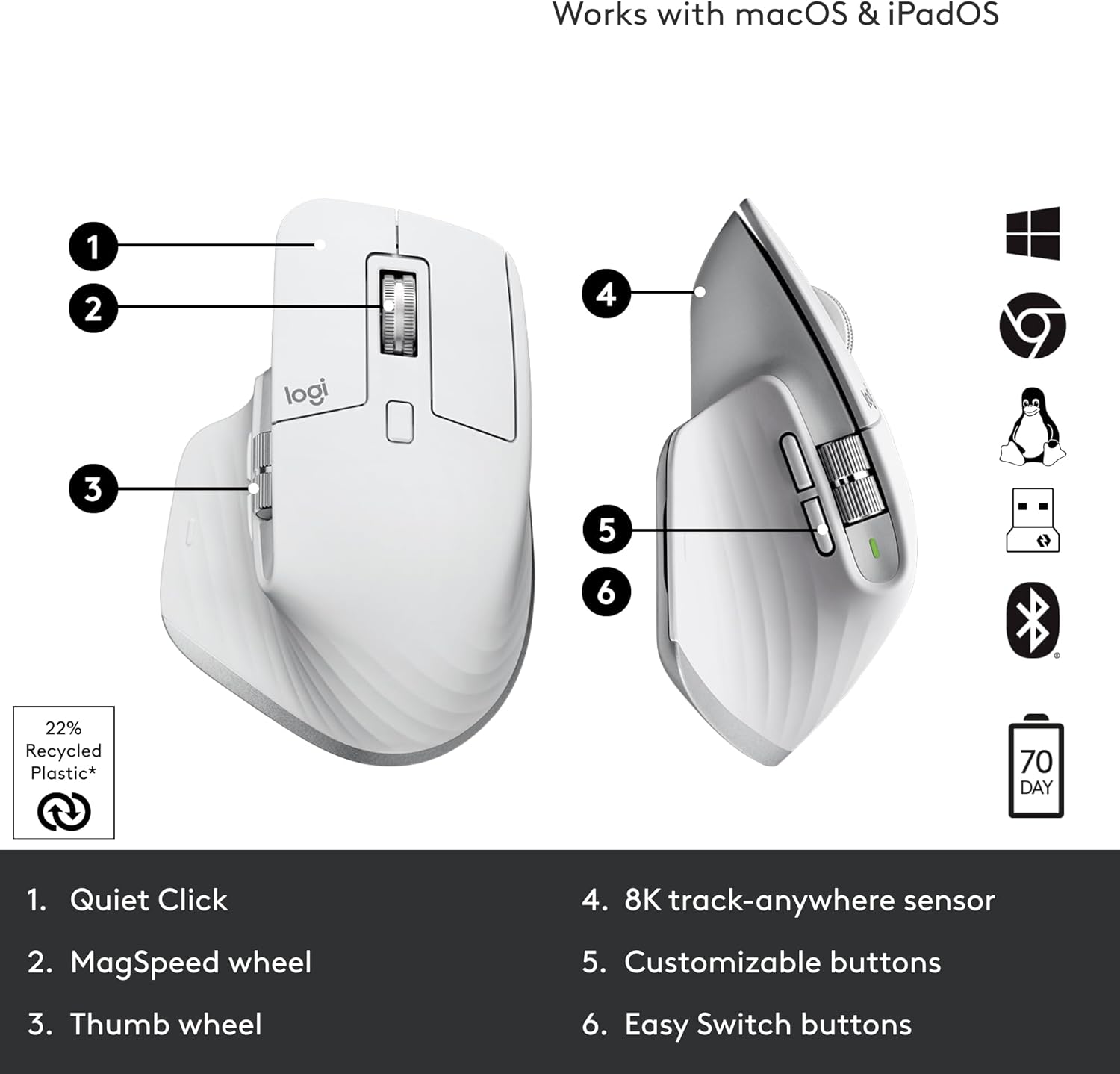
Introducing Quiet Clicks – create, make and do with the same click feel, but less noise. Quiet Clicks deliver satisfying, soft tactile feedback with 90% less click noise*. Add that to a remarkably quiet MagSpeed electromagnetic scroll wheel for a high performance experience with zero distraction.
*Compared to MX Master 3, MX Master 3S has 90% less Sound Power Level left and right click, measured at 1m.

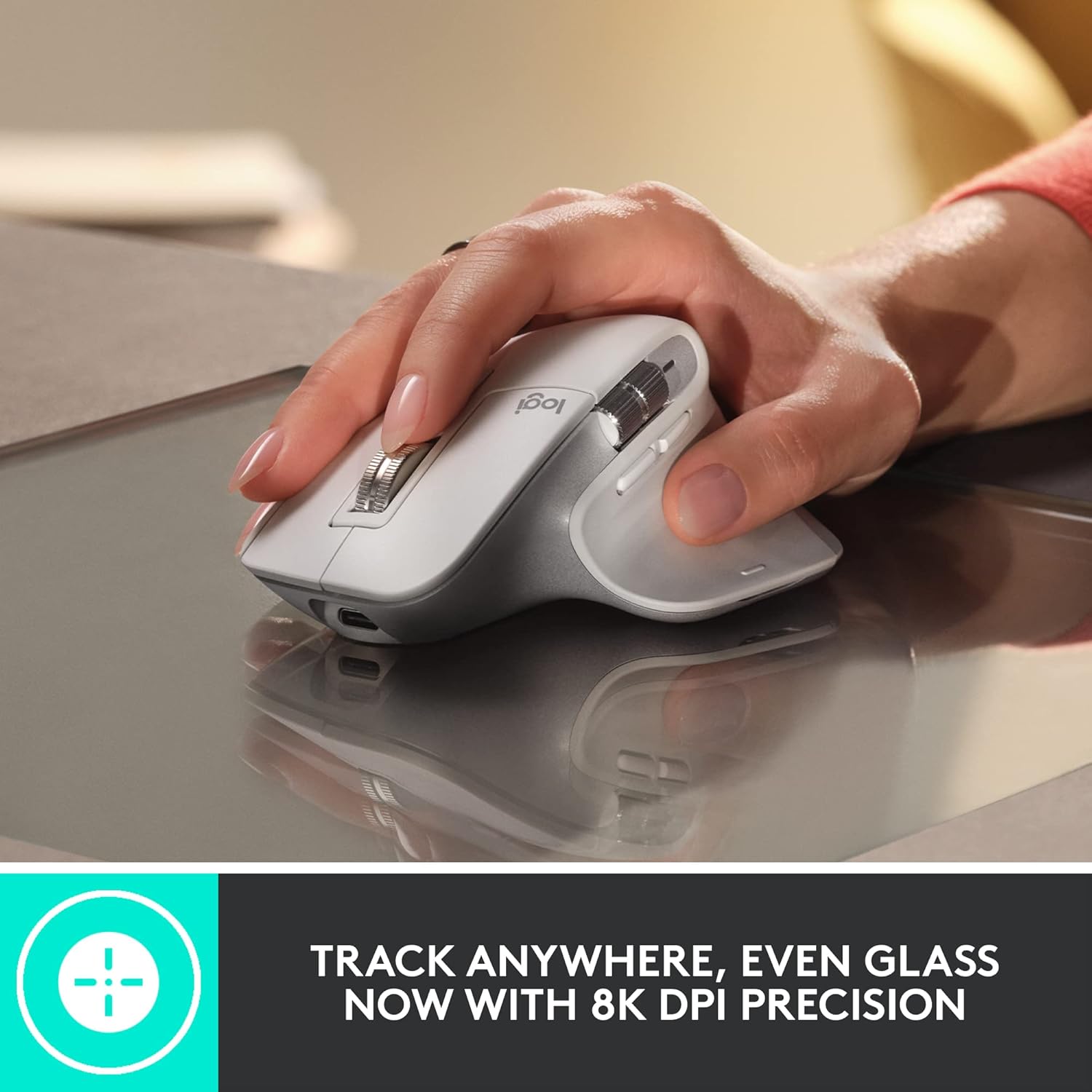
8k DPI any-surface tracking
MX Master 3S is outfitted with our most accurate sensor ever, with next-gen precision and responsiveness. The 8,000 DPI optical sensor tracks virtually anywhere – even on glass*. You can adjust your tracking sensitivity in Logi Options+** and set the right level for your workflow and monitor resolution.
*4 mm minimum glass thickness., **Available on Windows and macOS at logitech.com/optionsplus

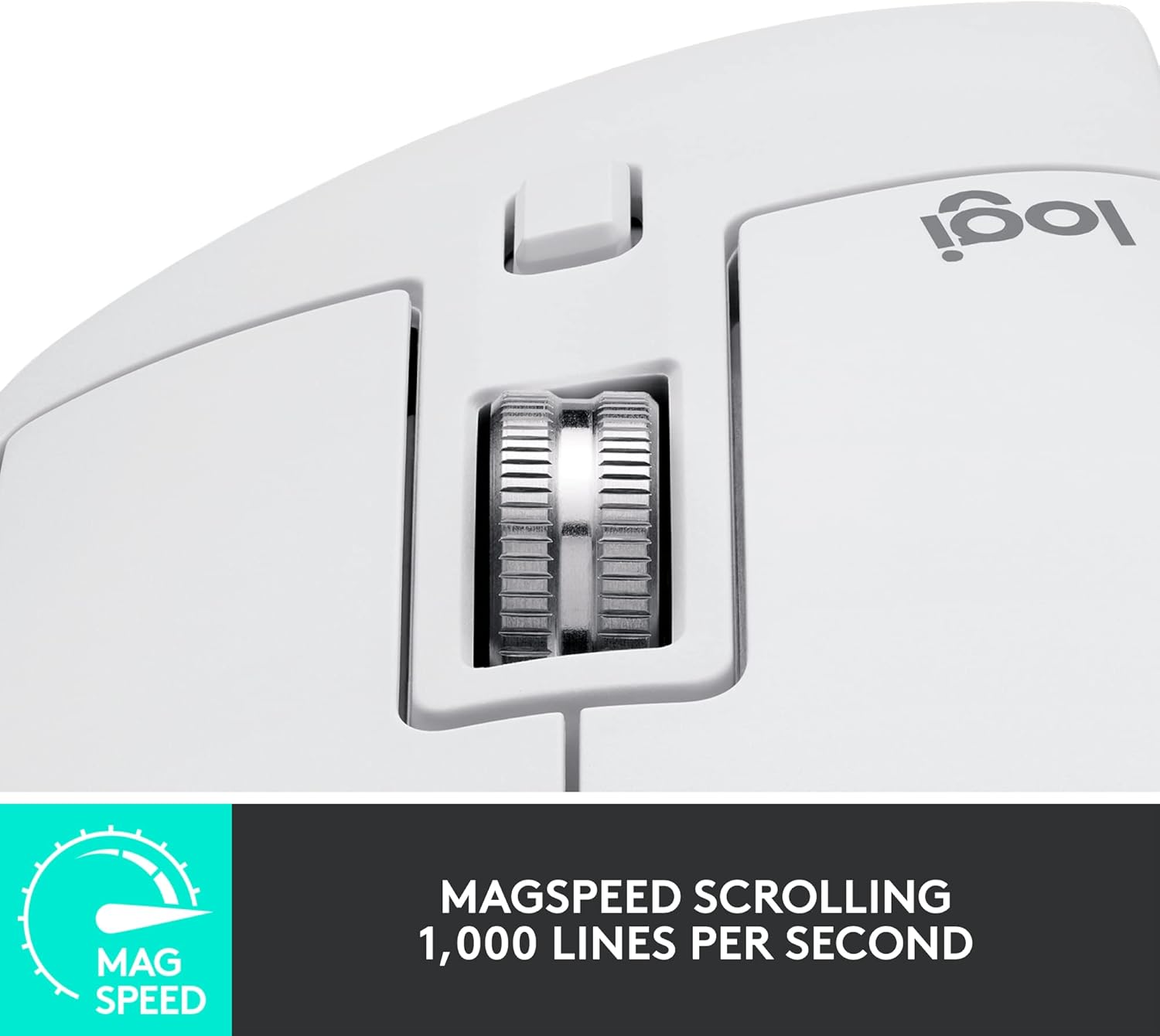
Scroll 1,000 lines per second
MagSpeed Electromagnetic scrolling is precise enough to stop on a pixel and quick enough to scroll 1,000 lines per second. Oh, and it’s nearly silent. The wheel’s machined steel gives it a premium tactility and enough weight to offer a dynamic inertia you feel – but don’t hear.
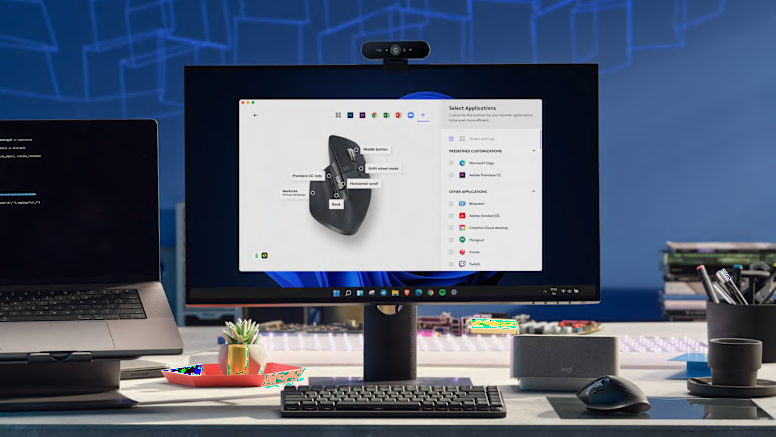
Do more with Logi Options+
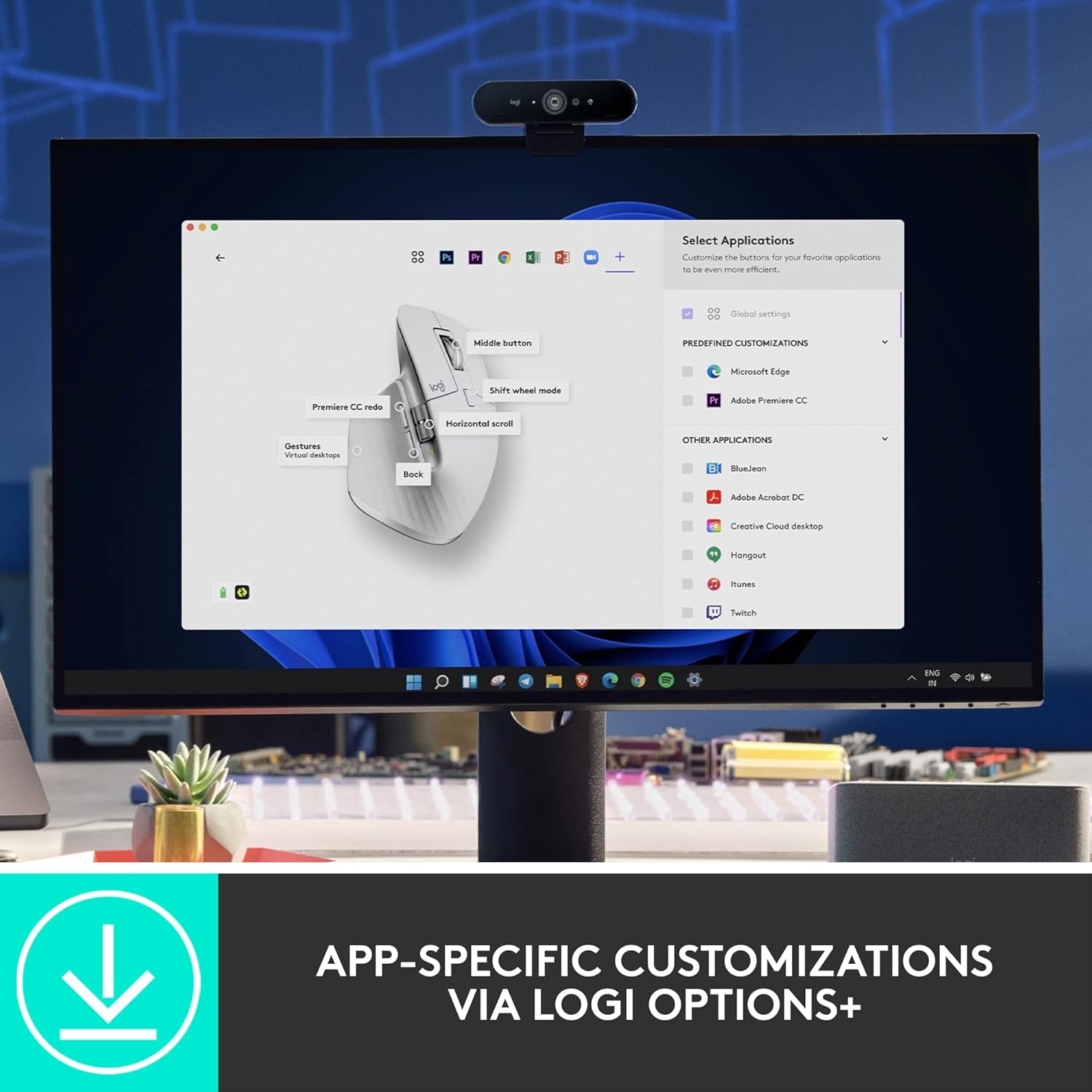
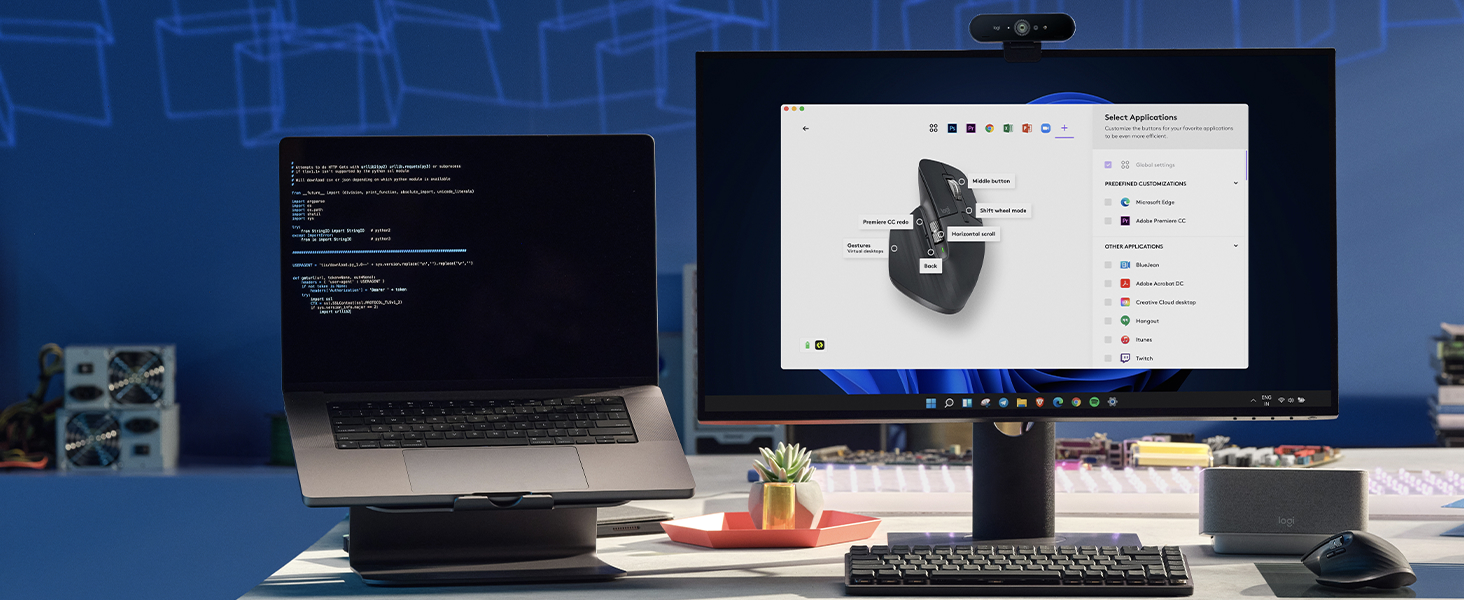
Do more with your mice with Logi Options+*. Work across devices and operating systems using Flow, customize individual buttons, set tracking speed, use predefined app-specific customizations and Smart Actions to optimize nearly every aspect of your workflow.
*Available on Windows and macOS at logitech.com/optionsplus
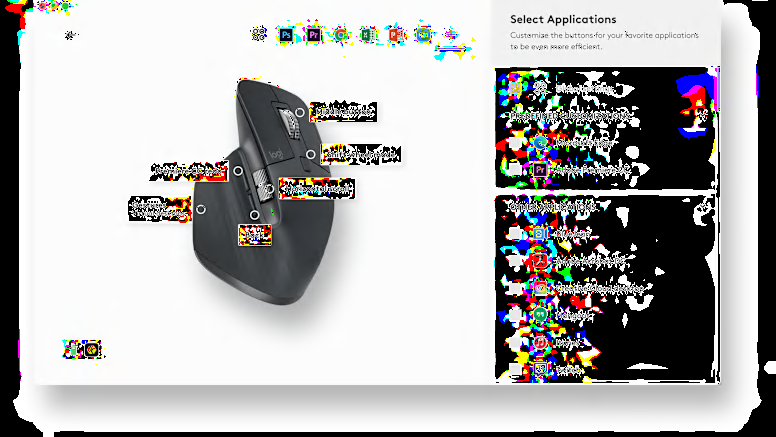
App-specific customizations
MX Master 3S is fully customizable in virtually every app you use with Logi Options+. You’ll work faster with predefined customizations optimized for your favorite apps such as Adobe Photoshop, Adobe Premiere Pro, Final Cut Pro, Google Chrome, Safari, Zoom, and Microsoft Teams, Word, Excel, PowerPoint, and Edge.
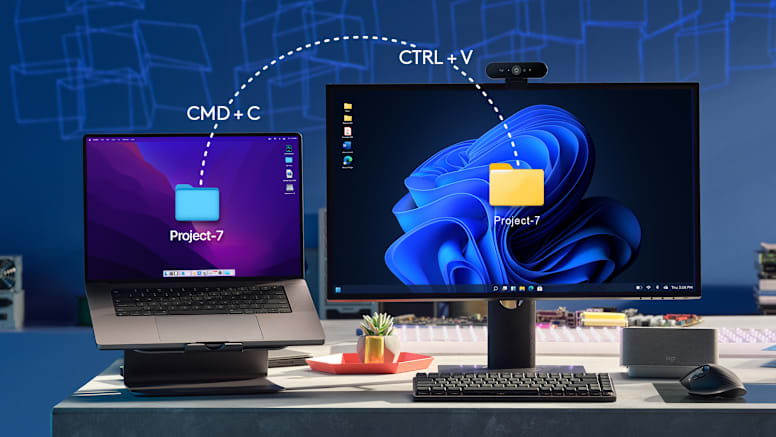
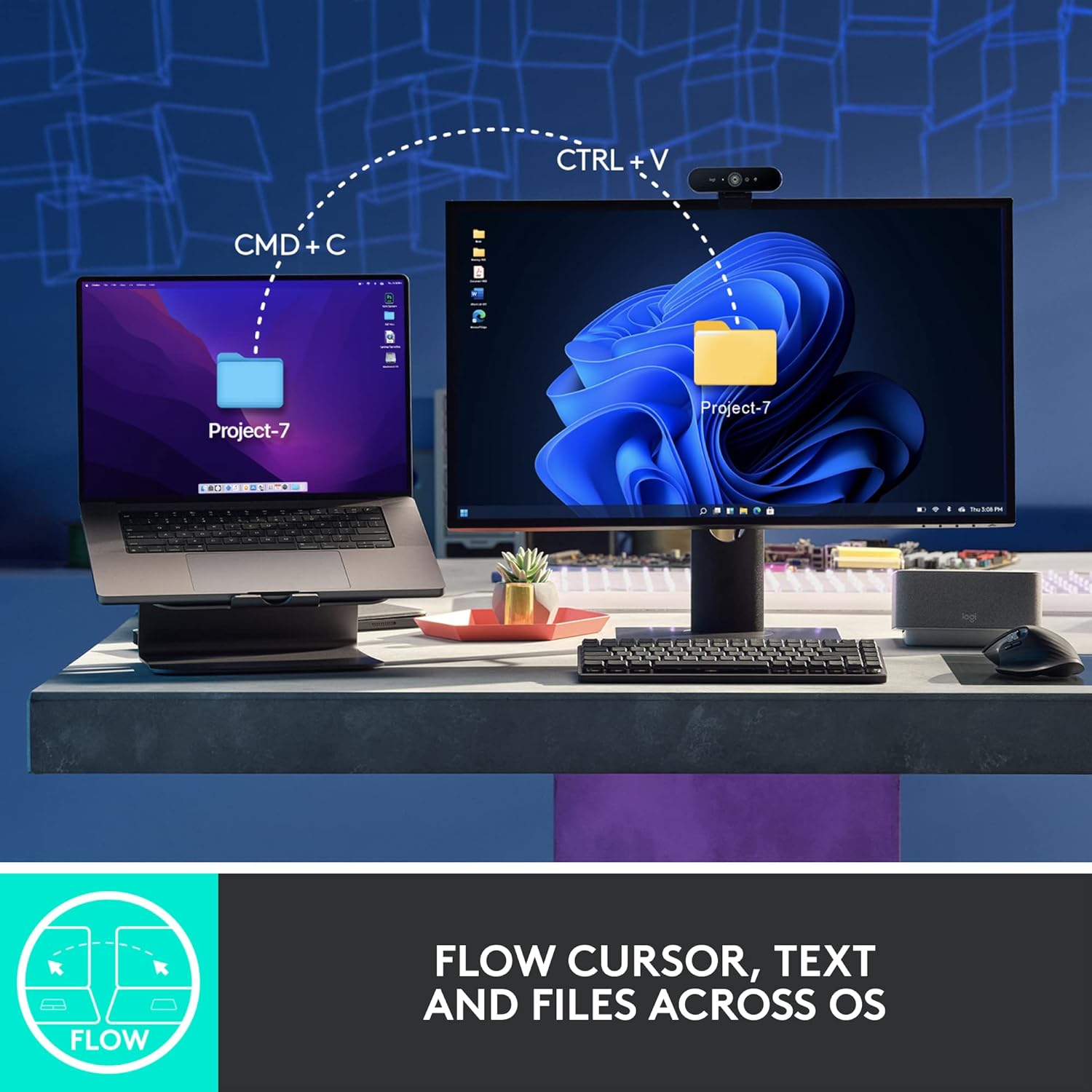
Flow between devices
Logi Options+ lets you flow between computers by simply moving your cursor to the edge of the screen. Your MX keyboard follows your MX Master 3S and lets your workstream flow between Windows and macOS*. Effortlessly transfer text, images, and files between computers – just copy on one and paste to the other.
*Requires Logi Options+ app available on Windows and macOS at logitech.com/optionsplus
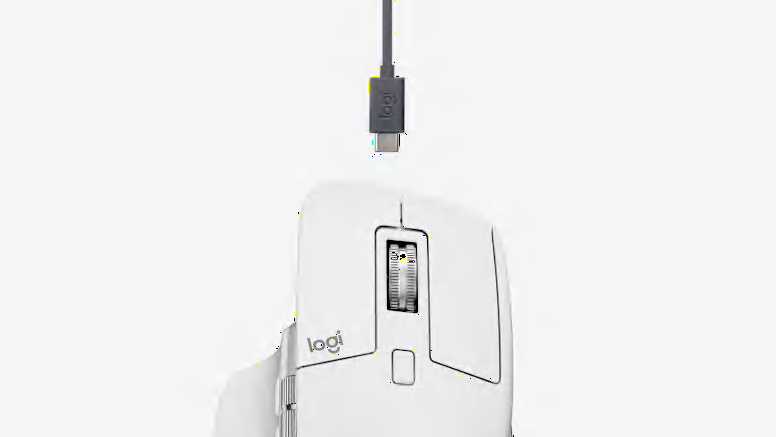
Charge quickly, connect instantly
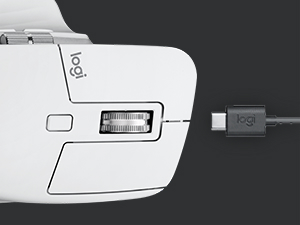
MX Master 3S stays powered for up to 70 days on a full charge – and gets three hours of use from a one-minute quick charge*.
*Battery life may vary based on user and computing conditions.
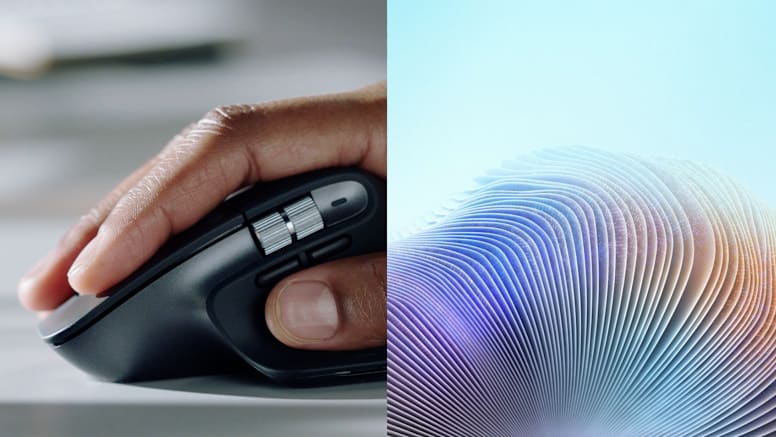
Hand sculpted, all day comfort
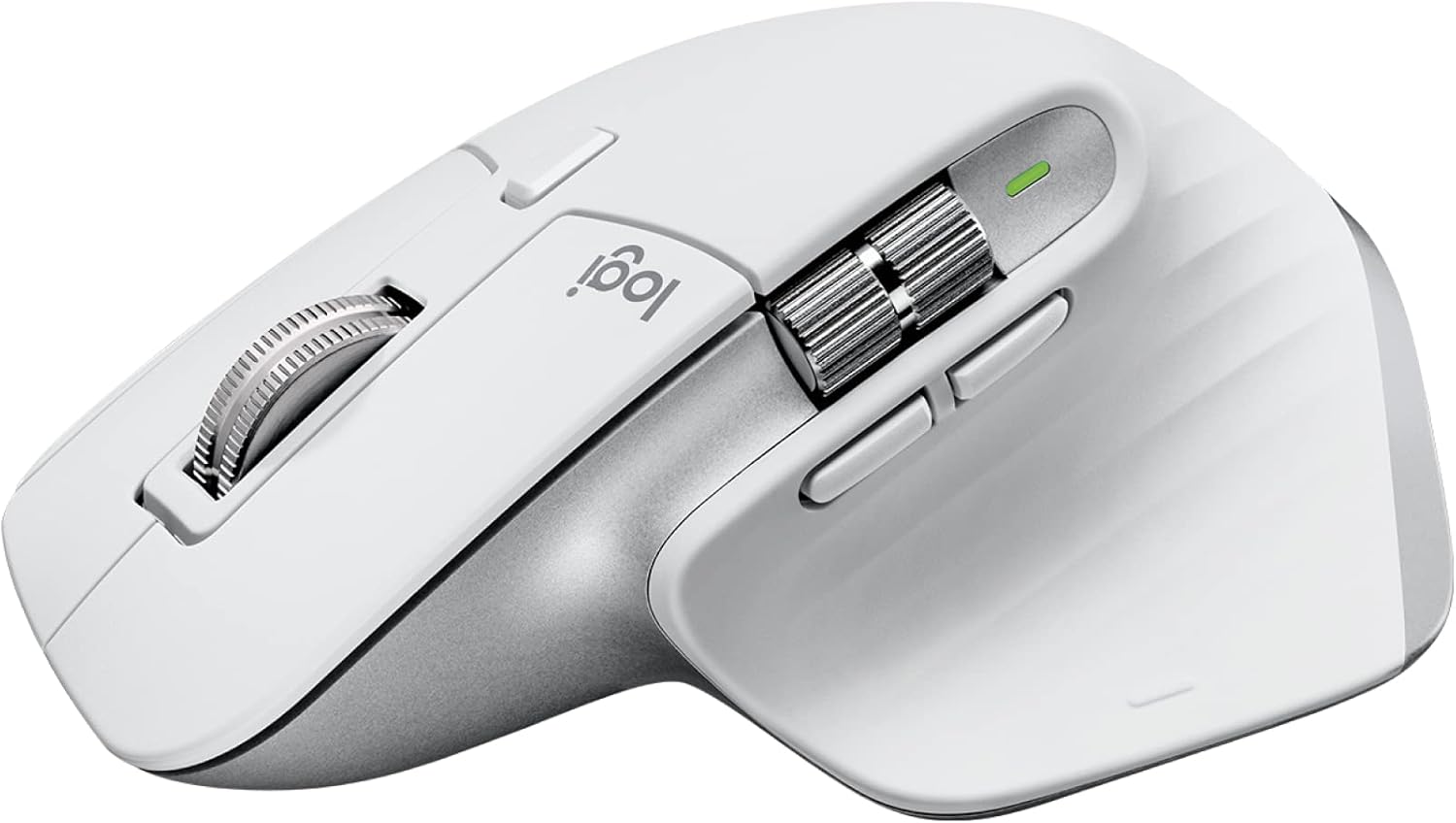
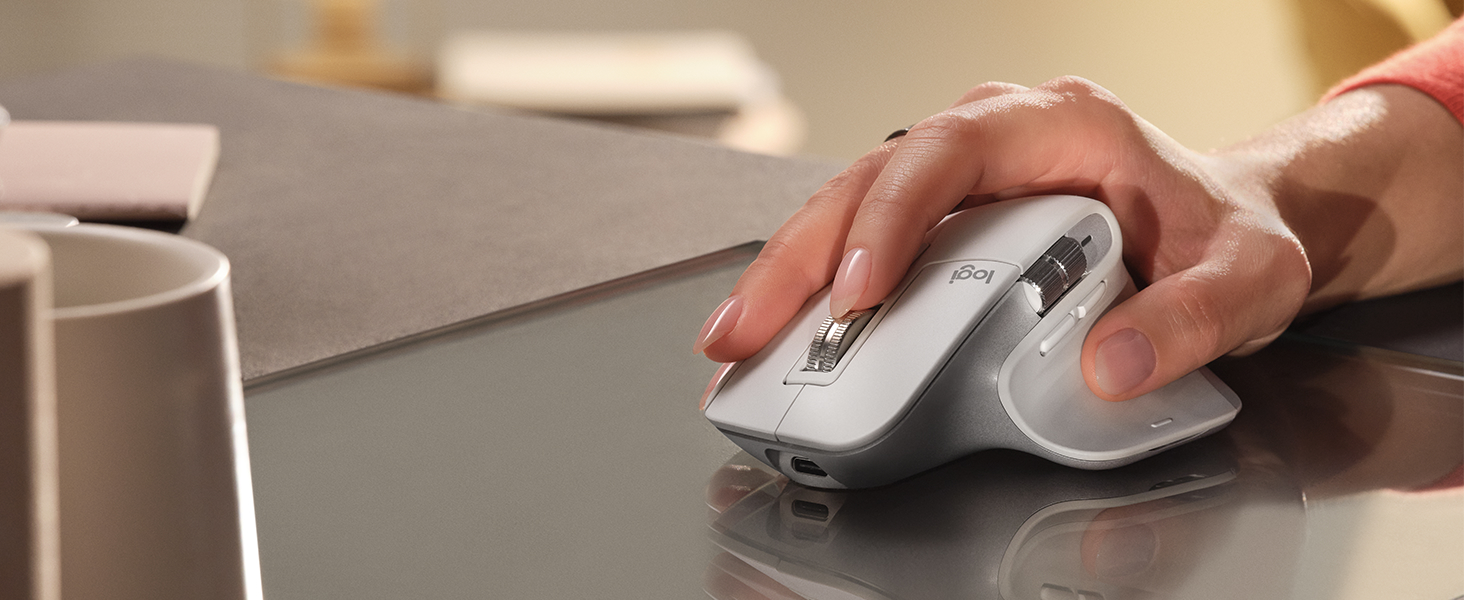
Work comfortably with an ergonomic silhouette crafted to support your palm and fingers. Textured surfaces provide a confident grip for total control. The unique tilt angle of MX Master 3S positions your arm in a more natural posture for better comfort. Optimally placed thumb controls are positioned for quick, intuitive access and fast navigation. The side scroll wheel follows the natural movement of the thumb for fluid and intuitive horizontal navigation.
Specs and Compatibility
Dimensions
-
MX Master 3S Bluetooth Edition
- Height: 124.9 mm
- Width: 84.3 mm
- Depth: 51 mm
- Weight: 141 g
Technical Specifications
Sensors
- Sensor Technology: Darkfield high precision
- Nominal value: 1000 DPI
- DPI (Minimal and maximal value): 200-8000 DPI (can be set in increments of 50 DPI)
Buttons
- Number of Buttons: 7 buttons (Left/Right-click, Back/Forward, App-Switch, Wheel mode-shift, Middle click)
- Scroll Wheel: Yes, with smart-shift
- Thumb wheel: Yes
- Gesture button: Yes
- Customization app: Supported by Logi Options+ on Windows and macOS*. (*Available on Windows and macOS at logitech.com/optionsplus)
Battery & Charging
- Battery type: Rechargeable Li-Po (500 mAh) battery
- Battery life: Get three hours of use from a one-minute quick charge.* (*Battery life may vary based on user and computing conditions.)
Connectivity
- Wireless technology: Bluetooth Low Energy Technology
- Wireless range: 10 m*. (*Wireless range may vary depending on operating environment and computer setup.)
System Requirements
- Requirements: Internet access required to download optional customization app Logi Options+*. (*Available on Windows and macOS at logitech.com/optionsplus)
- Logi Bolt USB receiver: Requires: Available USB-A port Windows 10, 11 or later macOS 10.15 or later Linux*, ChromeOS*. (*Device basic functions will be supported without software for other systems than Windows and macOS)
- Compatibility: Requires Bluetooth Low Energy Technology Engineered for Intel® Evo™ Laptops Windows 10, 11 or later macOS 10.15 or later Linux*, ChromeOS™, iPadOS* 14 or later Android™ 8.0 or later, Not compatible with Logitech Unifying USB Receiver technology. (*Device basic functions will be supported without software for other systems than Windows and macOS)

NOW WITH 8K DPI TRACKING
Work on any surface – even glass – with an 8K DPI sensor with customizable sensitivity.
MAGSPEED SCROLLING
Ultimate speed and precision. Scroll 1,000 lines in a second and stop on a pixel.

QUIET CLICKS – 90% LESS NOISE
Quiet Clicks deliver the satisfying feel you love with 90% less click noise.

WIRELESS CONNECTIVITY
Robust wireless connection via Bluetooth Low Energy or Logi Bolt receiver.

MULTI-DEVICE, MULTI-OS
Pair with up to 3 devices – Windows, macOS, Chrome OS, Linux, iPadOS, and Android OS.
QUICK CHARGING, LONG LASTING
USB-C quick charge in 1 minute for 3 hours of use – full charge lasts up to 70 days.

MX + CREATIVE CLOUD
Get a complimentary 1-month Adobe Creative Cloud subscription with your purchase of MX Master 3S.
In The Box


Reviews
There are no reviews yet.