Sale!

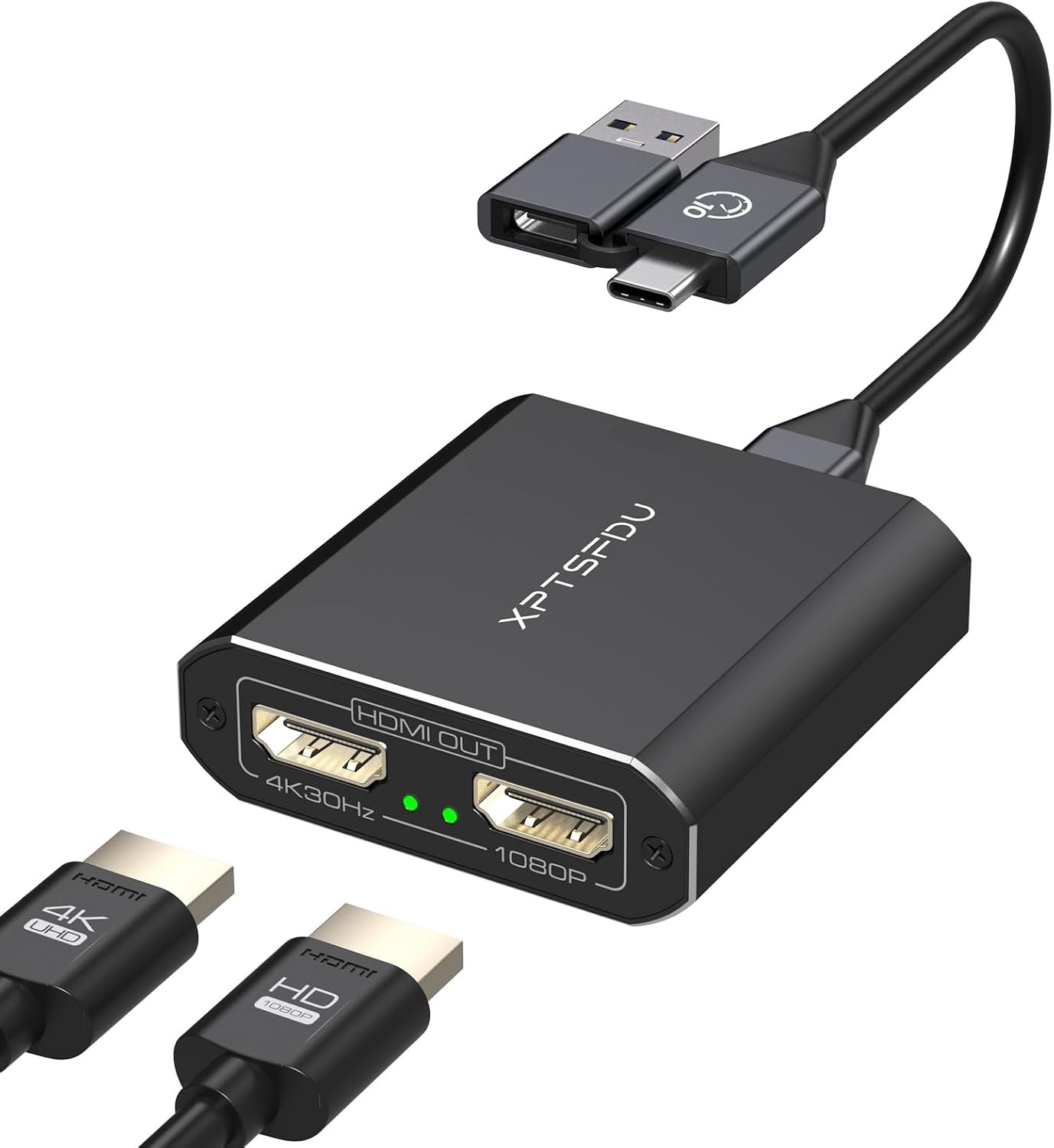
USB C to HDMI Splitter Extended Display for Dual Splitter USB 3.0 to Dual HDMI Adapter 4K@30Hz, 1080P@60Hz Output Multi Monitor Extended Display with Windows/Mac OS/Vista/XP

Original price was: $72.00.Current price is: $49.00.

About this item

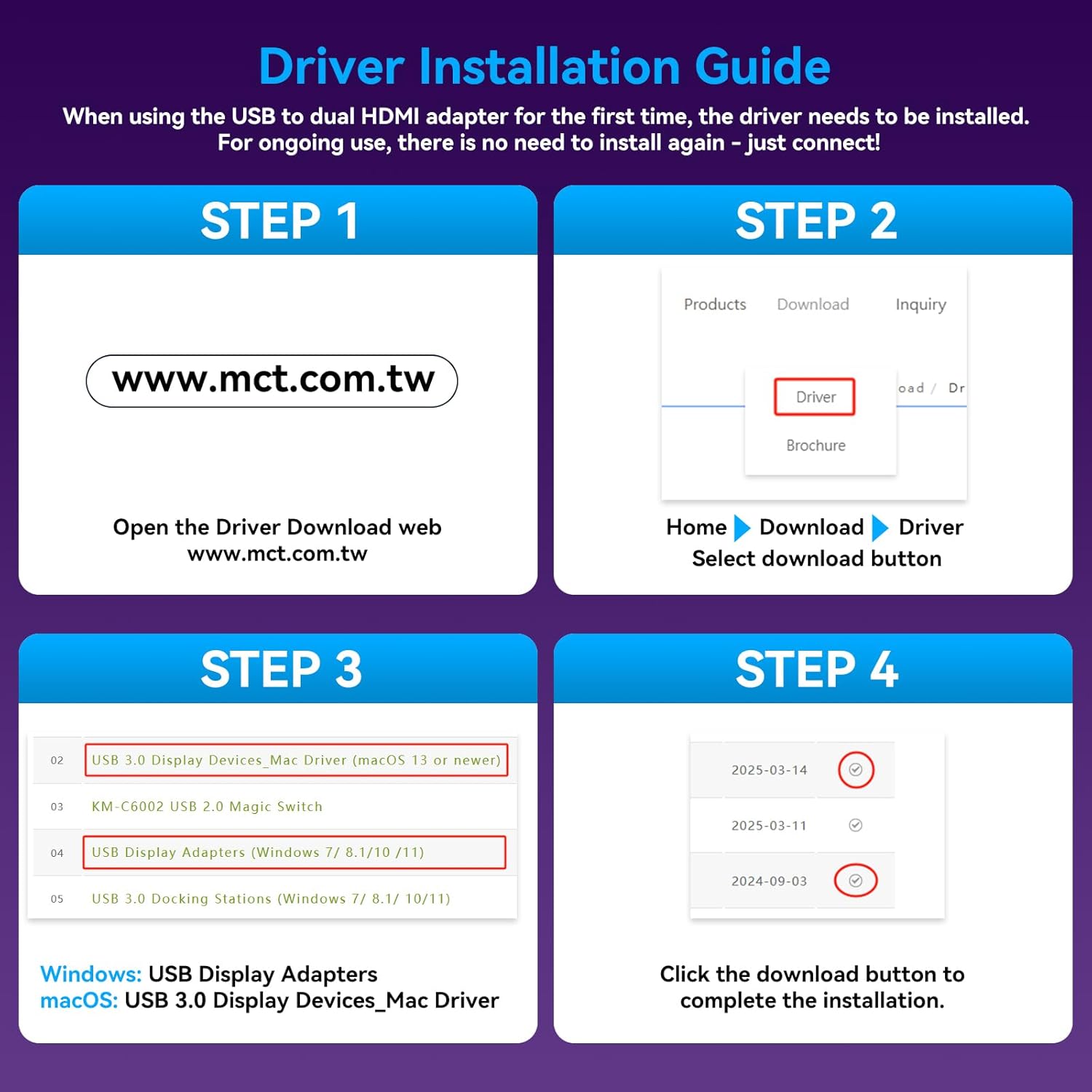
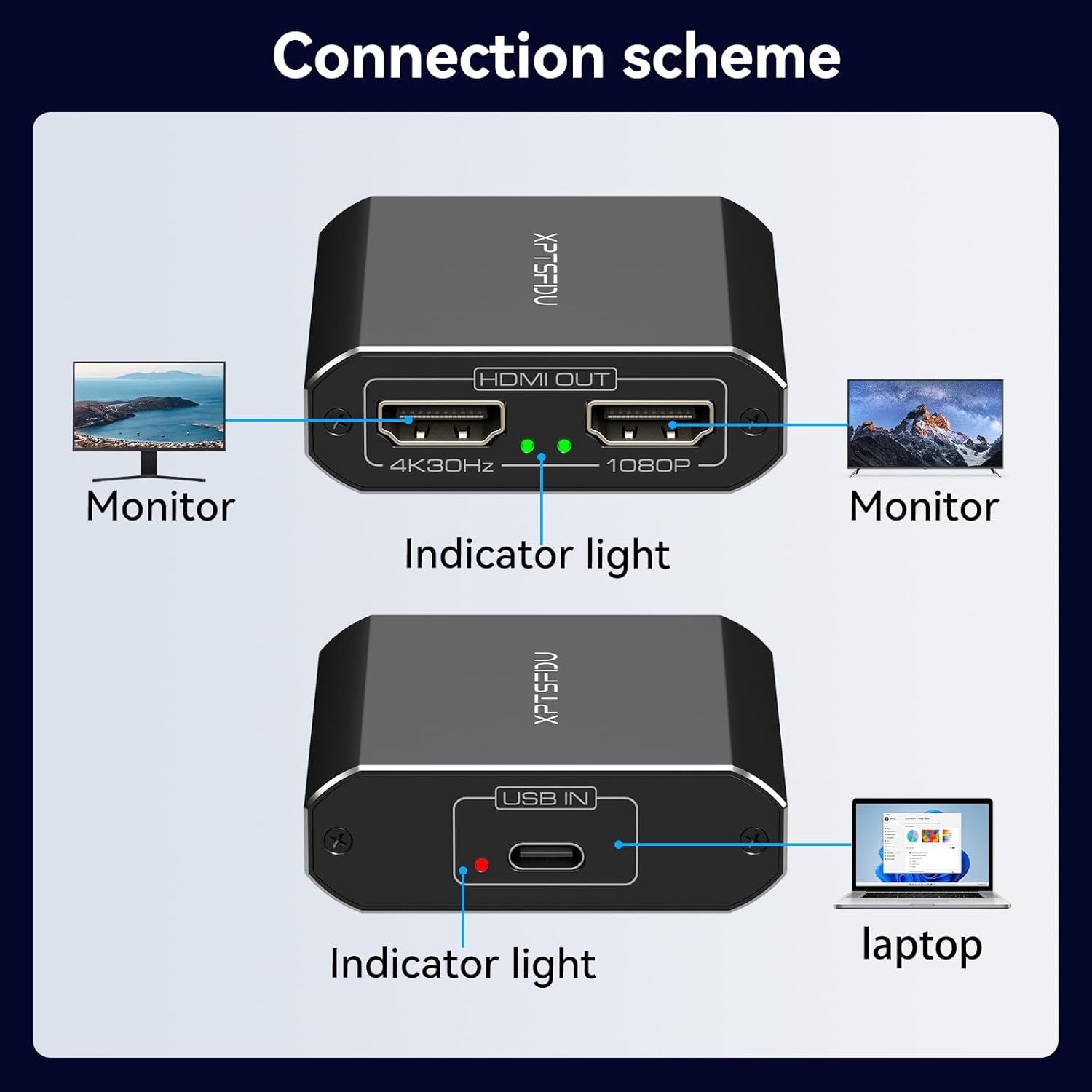
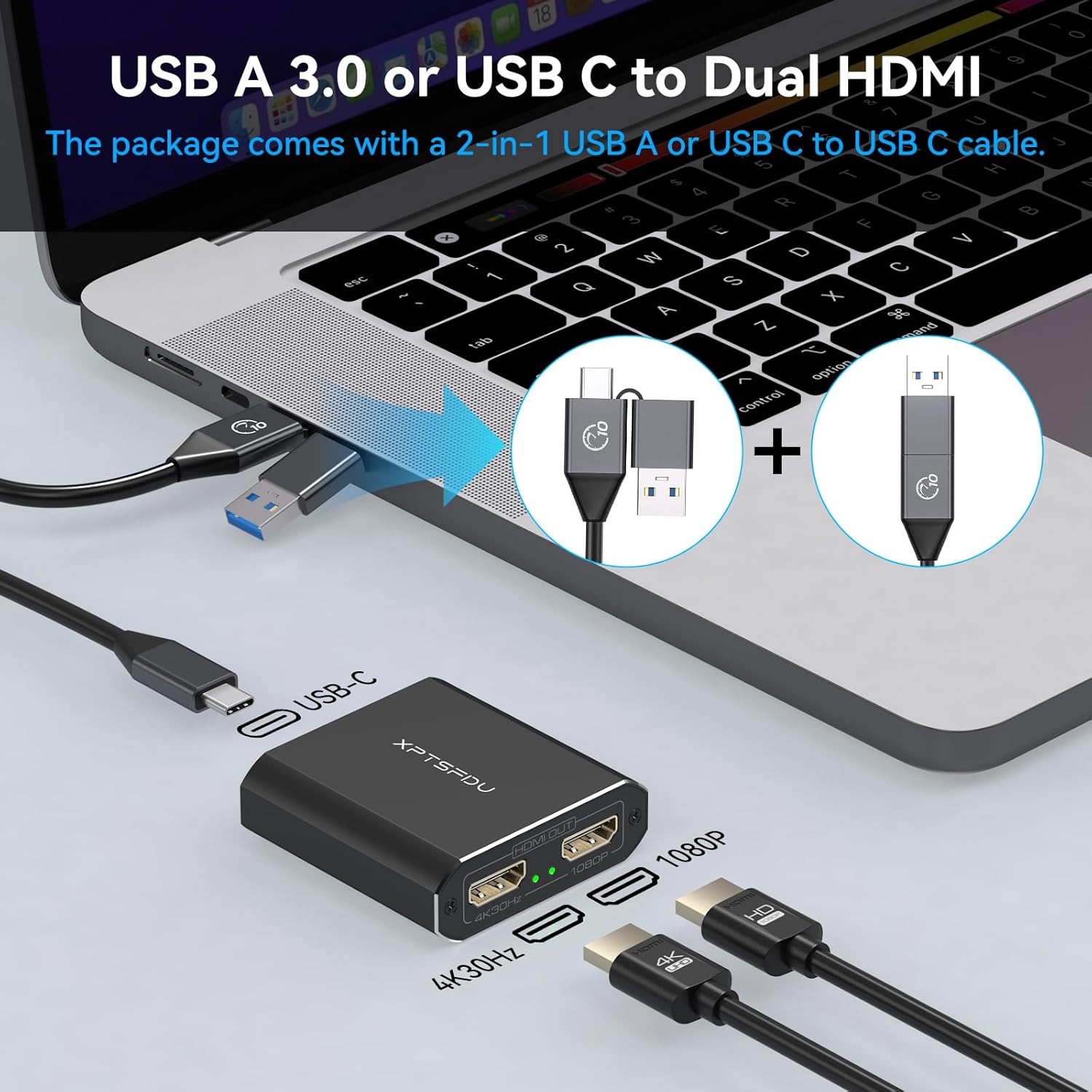
  • 【USB to Dual HDMI Splitter】This hdmi splitter extended display lets you connect one USB 3.0 or USB-C port from your laptop or PC to two HDMI monitors. Easily expand your workspace or enjoy mirrored viewing with plug-and-play convenience.Note: You must download the driver through the steps in the manual to use the product, otherwise the product will not work properly
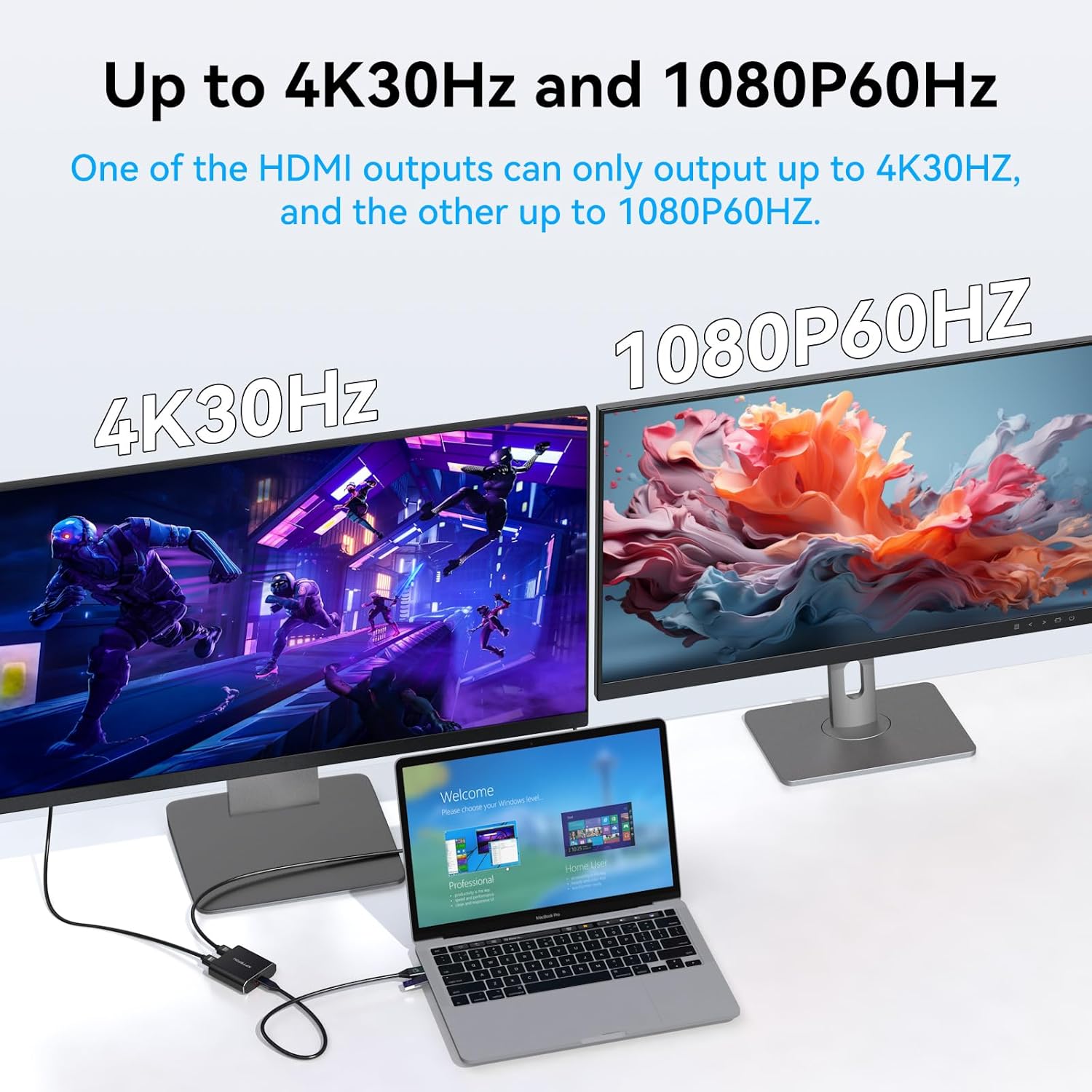
  • 【4K and 1080P Dual Display Output】The USB to 2 HDMI splitter supports up to 4K@30Hz on one port and 1080P@60Hz on the other. Perfect for multitasking, office work, or entertainment setups requiring crisp, clear visuals across two screens.Please note: If you want 4k resolution, make sure your device supports 4k and uses an HDMI cable 2.0 or higher
  • 【Extended and Mirror Mode】This HDMI splitter extended display supports both extended (independent screens) and mirror (same content) modes. Ideal for presentations, video conferencing, or multi-window productivity on Windows and macOS systems
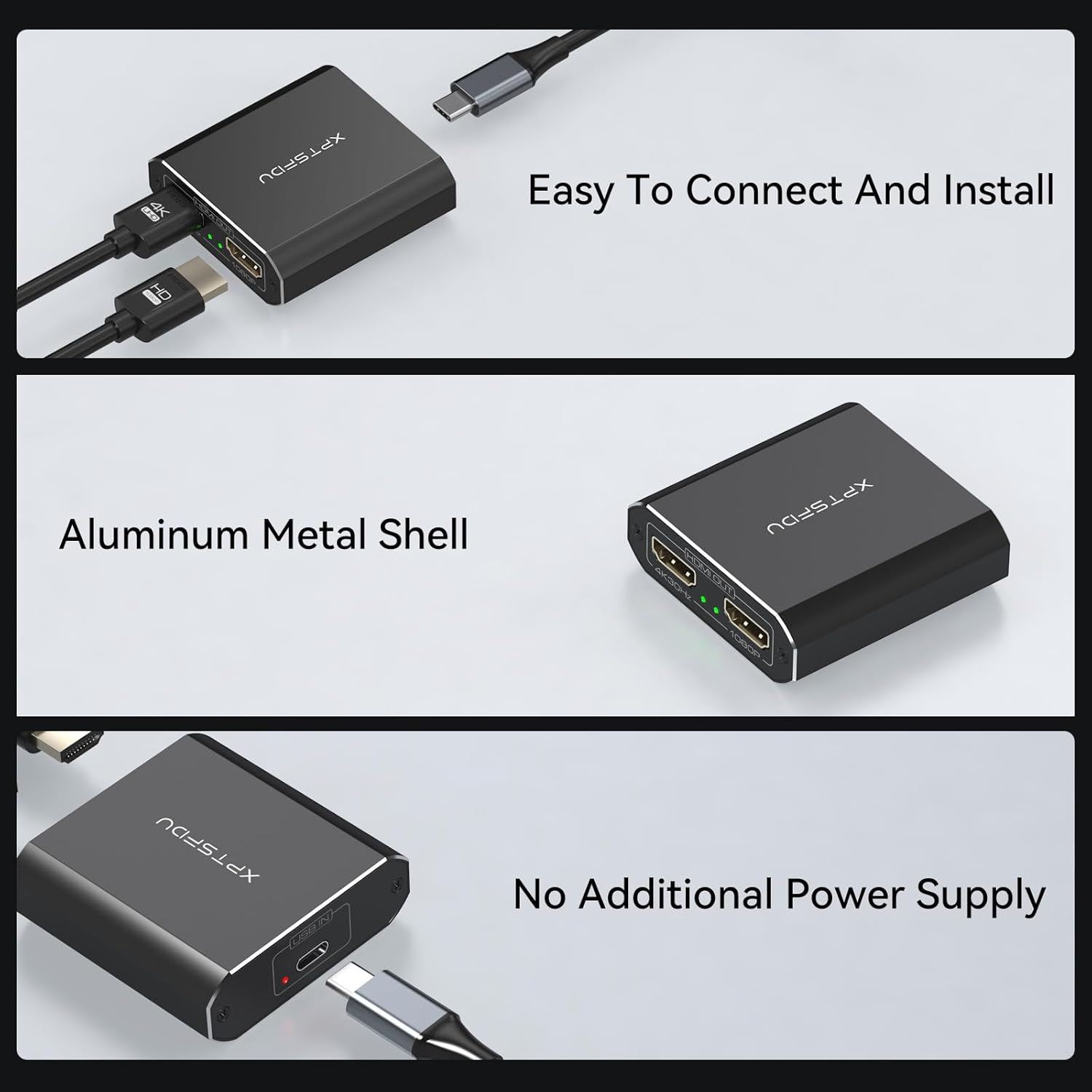
  • 【Easy Setup and Driver Installation】No external power needed. Simply install the required driver from the user manual’s link, connect the USB cable to your laptop, and plug in your HDMI displays. Supports USB 3.0 and USB-C input ports (via included adapter)
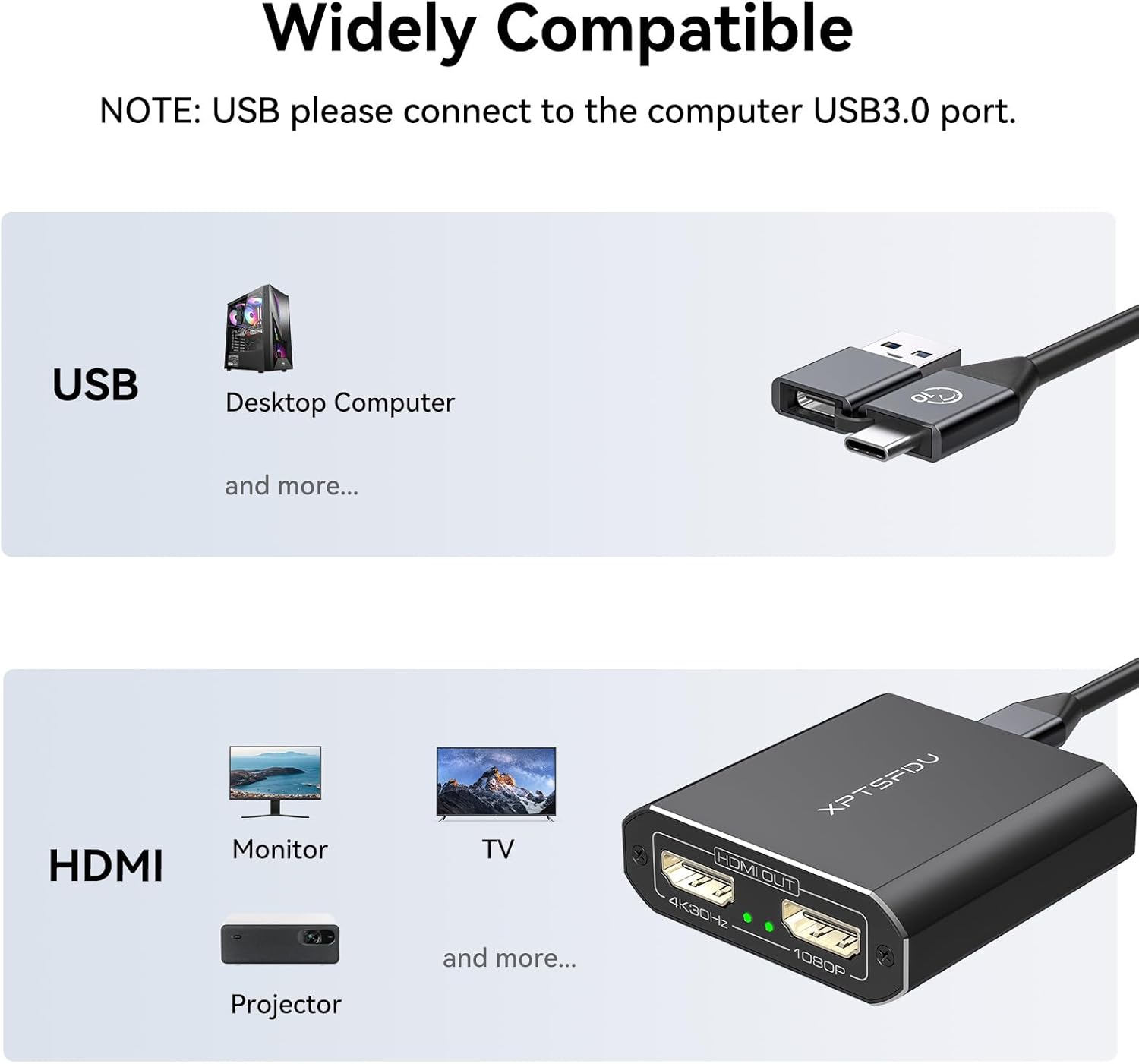
  • 【Wide Compatibility】This USB to Dual HDMI Splitter is compatible with Windows/Vista/XP and macOS systems (rotation feature not supported). The input cable measures up to 1.5 meters (USB 3.0 to Type-C port), while HDMI outputs support 3-meter cable length at 4K30Hz. Its compact and lightweight design makes it ideal for home, office, and travel use. Should you encounter any issues during use, please feel free to contact us
Category: Brand:

Description

Product Details

Important Tips:

1. Before use, you need to download and install the driver on the corresponding website (please download the driver according to the steps in the second picture in the product description), at the same time, you need to turn off the antivirus software on your computer and add the driver to the whitelist of the antivirus software before downloading.

2. The product itself will not cause audio and video delay, but due to the download and installation of the driver needs to take up some computer resources, if your computer configuration is too low, not enough memory, may lead to sound delay and video delay, it is recommended to close the computer part of the running program before use.

3. Before using, you need to check whether there is an external monitor detected, if no external monitor is detected, you need to open the computer’s display settings during use, and then set up as an external monitor.

4. During use, you need to set the expansion mode in your computer’s display settings in order to use the expansion mode normally.

5. Our product package includes a USB 3.0 to USB C cable, we recommend using the included cable to connect the input port of the product and your device.

Supports Windows and Mac OS system copy mode (AAA) 2 extended modes (ABC/ABB)

USB C to Dual HDMI Adapter

You must follow the steps in the manual to install the driver before use, supports Windows and Mac OS system copy mode (AAA) and 2 extended modes (ABC/ABB).

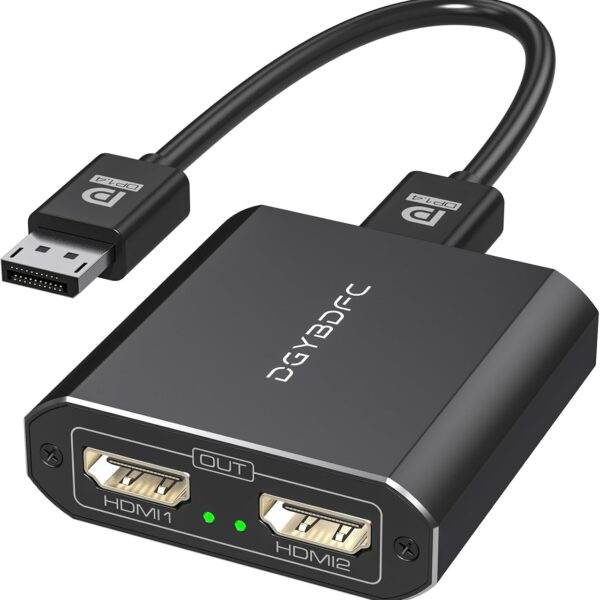
DP to dual dp
USB C to Dual HDMI Adapter

The Adapter comes with a hybrid 2-in-1 USB to HDMI cable for compatibility with most computers

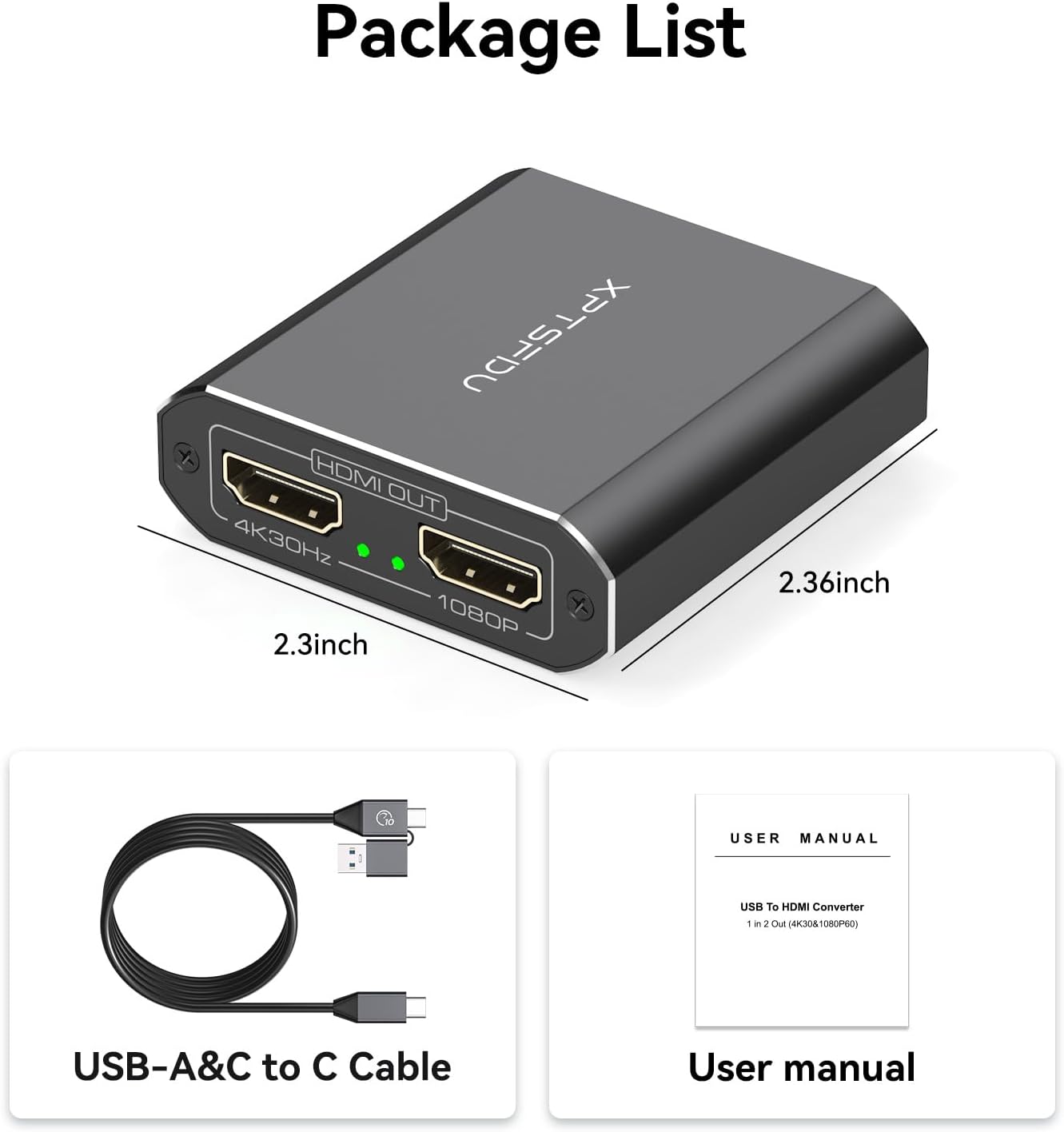
Package Dimensions 6.06 x 3.54 x 0.98 inches
Item Weight 4.2 ounces
ASIN B0DDXSLF9W
Item model number 191e37f7-7025-4188-81f3-581045974636

Reviews

There are no reviews yet.

Be the first to review “USB C to HDMI Splitter Extended Display for Dual Splitter USB 3.0 to Dual HDMI Adapter 4K@30Hz, 1080P@60Hz Output Multi Monitor Extended Display with Windows/Mac OS/Vista/XP”

Your email address will not be published. Required fields are marked *